Switch Distributors Without Losing Streams
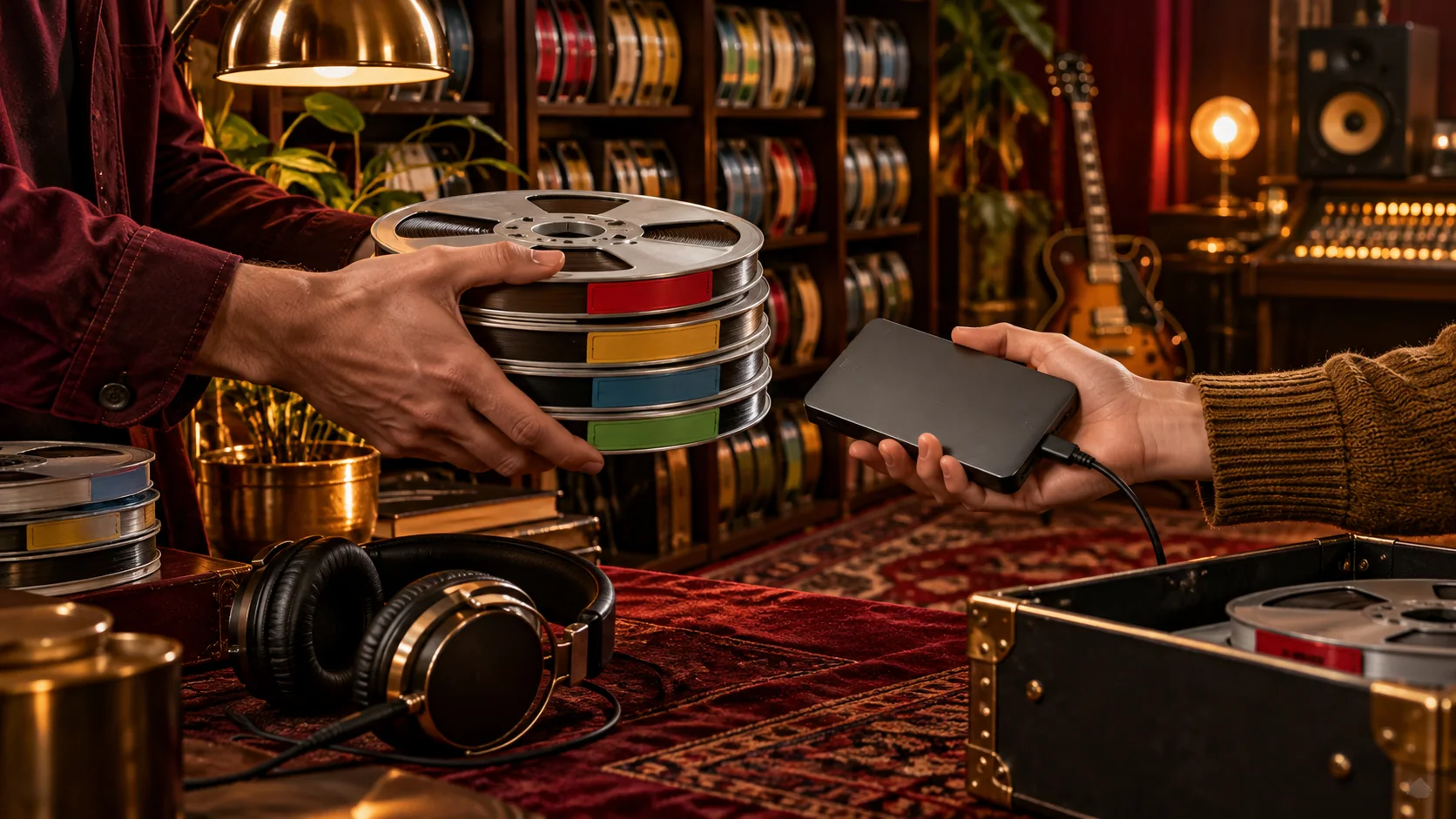
Changing distributor does not have to mean starting over. Your music, your artist profile and your fans stay yours, and the stores recognise a recording by its identifiers and details rather than by the company that sent it. But there is no guarantee that stream counts, playlist positions or store links will carry over, and anyone who promises it is guessing. What you can do is make the new delivery look exactly like the old one, and avoid the mistakes that break the match.
This guide is a continuity checklist for moving a catalogue to a new distributor. It focuses on what stores use to recognise a repeat delivery, what usually follows your music and what does not, a step-by-step transfer plan with a timeline, and what to do when something looks wrong. It builds on our general catalogue transfer guide and the explainer on ISRC and UPC codes.
What follows your music and what does not
| Item | What to expect |
|---|---|
| Your artist profile, followers and bio | They belong to the profile in each store, not to the distributor. They stay when the new release is mapped to the same profile, so supply your existing artist links. |
| The identity of each recording (ISRC) | It stays with the recording for life. Reuse the same code for an unchanged recording. |
| The identity of the release (UPC) and its original date | Enter the original UPC and the original release date when the release has been distributed before. Ask whether the old code can be reused. |
| Stream counts, saves, playlist adds and store URLs | Not guaranteed. They depend on how each store matches the new delivery to the old one. |
| YouTube Content ID | Separate. It does not move automatically, and overlapping registrations can cause conflicts. |
| PPL or other collection registrations | Separate. A recording should be registered only once, so find out who holds each registration. |
| Earnings from before the move | Usually continue to be reported through the old distributor for earlier usage periods. |
How stores recognise a repeat delivery
Streaming stores look at several signals together. The ISRC identifies the recording, the UPC identifies the release, and the audio, the artist name, the title and the version help to confirm that the two deliveries are the same thing. When all of these agree, a store can treat the new delivery as a continuation. When they disagree, for example a new cover, a changed title, a different version name or an altered track list, a store can treat it as a different release, with its own page and its own counts.
Stores publish guidance for artists who change distributor, and they update it. Read the current help pages in Spotify for Artists and Apple Music for Artists before you start, and treat them as the authority on how their own matching works. The rest of this guide is the part you control.
Before you move anything
- Read your current agreement. Look for notice periods, minimum terms, exclusivity, fees on removal, and what happens to your account and your reporting after you leave.
- Find your original files. You need the audio and artwork as they were delivered, not a similar-looking later export. A file called “final-final.wav” is not evidence. Check it against your archive and by ear.
- Download your records. Take a catalogue export and your statements from the old account before access ends. They hold the identifiers and the history you may need.
- Check who else is involved. Label agreements, collaborators, Content ID, PPL and other collection arrangements may all need a conversation.
- Decide what must not change. For the move itself, nothing about the release should change: not the title, the version, the artist spelling, the credits, the explicit flag or the audio. Edit things afterwards.
A step-by-step transfer plan
- Build the inventory. One row per recording and one release-level record per single, EP or album. Include the title, version, primary and featured artists, ISRC, UPC, original release date, explicit status, territories, and the existing store links.
- Confirm every identifier with your old distributor. Ask for the UPC and the ISRCs of each release, the original release date, the stores it is in, and whether the UPC can be reused elsewhere. Check what you receive against the stores themselves.
- Settle rights and mandates. Make sure you have the right to move each recording. If another party has a Content ID or PPL registration, agree who will hold it and when. Our guides to YouTube Content ID and PPL and neighbouring rights show the overlaps to avoid.
- Choose the plan. The Basic and Pro artist plans list song transfer, and the Free plan does not. A label with a wider catalogue should ask support about a phased transfer. Compare the plans and check the current detail.
- Enter each release as distributed before. In the Release Wizard tick that the release has been distributed before, then enter the original release date and the original UPC, and the ISRC of every track. Keep every title, version, artist name, credit and flag exactly as it was. Do not leave the identifier fields blank and let the system generate new ones, because that makes a new recording.
- Add your artist profile links. Include your Spotify and Apple Music artist links, not a track or an album link, so the delivery lands on the right profile.
- Submit and follow the review. The release goes through the normal review. Fix any returned reason and resubmit, without changing anything that should stay the same. The metadata and artwork checklist lists the usual causes of a return.
- Check the new delivery in every store. Once it is live, check each release in each store you care about: the artist profile, the credits, the artwork, the track list and the availability in your territories. Save dated screenshots and links. A single working link does not mean every destination has finished.
- Then request the takedown at the old distributor. Only after the replacement has been checked, ask the previous distributor to remove its delivery, in the order you agreed. Stores process removals separately, so a request is not an instant deletion.
- Close the loop. Update your pre-save and smart links, social bios and press pages. Keep the old account available to collect earlier statements and balances.
A suggested timeline
| When | What to do |
|---|---|
| 6 to 4 weeks before | Read the old agreement. Build the inventory. Collect the original files and records. |
| 4 to 3 weeks before | Confirm identifiers and mandates. Pick the plan and talk to support about a phased move if the catalogue is large. |
| 3 to 2 weeks before | Submit a small first batch, including one low-risk release. Leave a margin for review and corrections. |
| On delivery | Check every store page against the inventory. Do not remove the old delivery yet. |
| After the first batch checks out | Request the takedown for that batch. Submit the next batch. |
| 2 to 8 weeks after | Watch for duplicates or wrong profiles, and collect remaining statements from the old account. |
These are planning guides and not promises of how long any store will take. The Free plan needs a release date at least 14 days ahead, and a longer margin is wise for a catalogue move.
Common situations
- An unchanged single or album. The simplest case. Same audio, same codes, same details, original release date entered. Your job is to keep it identical.
- You want a new cover or a corrected title. Move first, then ask for a correction. A change made during the move gives the stores a reason to see a different release. Do not upload a duplicate release to fix a spelling mistake.
- A remaster or a new edit. It is a different recording. Ask support whether it needs a new ISRC before you reuse the old one. Do not reuse an identifier for a materially different performance just to keep play counts.
- A release with a changed track list. Each unchanged recording keeps its ISRC. A changed product usually needs a new UPC. Ask before you decide.
- A large label catalogue. Move it in batches, starting with a small and varied set. Check the result, adjust the process, then continue. Keep the previous delivery live until each batch is verified.
- A release with a specialist delivery. Beatport, Dolby Atmos and Apple Music motion artwork have their own approvals and specifications. Ask support before you take the old delivery down, so nothing disappears while the new one waits for approval.
If something looks wrong after the move
Do not upload new versions in the hope of forcing a match. That creates more products to untangle. Send support a short evidence packet instead:
- the old and new store links;
- the UPC and the ISRCs of the affected release;
- screenshots with the date and the territory;
- a plain description of the problem: a duplicate release, the wrong artist profile, missing availability in a country, or a count that looks lower than before.
Those are different problems and need different requests to the stores. For a release on the wrong artist page, send the incorrect store link, the correct profile link, the UPC and the ISRCs. Stores decide the outcome, and neither correct identifiers nor a support request guarantees that a particular playlist placement is kept.
Money while you move
Royalties follow monthly reporting cycles after the stores’ reports are processed, so earnings from before the move can keep arriving at your old distributor for some time. Download the statements, keep your contact and payment details current, and ask about any withdrawal threshold or fee before you close the account. Your new earnings with WBBT begin from the new deliveries. Royalty splits and payouts explains how reporting and withdrawals work.
Mistakes that break continuity
- Taking the old release down before the new one is live and checked.
- Leaving the ISRC and UPC fields blank and letting new codes be generated for old music.
- Changing the title, version, artist spelling or audio during the move.
- Choosing a new release date as if the music were new, and forgetting to enter the original date.
- Delivering the same recording through two distributors for a long time.
- Forgetting that Content ID and PPL registrations are separate and can overlap.
- Closing the old account before collecting statements.
- Assuming that a support request can restore counts that the store has chosen not to merge.
Frequently asked questions
Will I lose my stream counts if I change distributor?
Nobody can promise that you will keep them. Stores decide how a new delivery is matched to an old one. What you can control is the evidence: the same audio, the same ISRCs, the original UPC and release date, the same titles and artist names, and an artist profile that is mapped correctly. Stream counts and playlist links are not guaranteed to transfer.
Do I have to keep the same UPC?
For an unchanged release, enter the original UPC so the stores see the same product. Ask your previous distributor whether the code can be reused, because policies differ. If it cannot, tell WBBT support before you submit, and do not invent a code.
Should I take my music down before I upload it again?
No. Keep the existing delivery live until the replacement has been delivered and checked, then ask your previous distributor to remove it. Removing it first can leave a gap and make a match harder. Agree the order with support. The catalogue transfer guide covers the handover.
How long does a move take?
There is no fixed time. Your release is reviewed, delivered and processed by each store, and each of these can take longer when something needs correcting. Plan several weeks, and move a small batch first to learn how your catalogue behaves.
Does it cost anything to move my catalogue to WBBT?
The Basic and Pro artist plans list free song transfer, and the Free plan does not. Labels can discuss a phased transfer with support. Check the pricing page for the current detail, and check your old agreement for any fee or notice period.
Can I move only some of my releases?
Yes. A phased move is often safer. Keep the remaining releases live with your previous distributor, and take care that no recording is delivered by two distributors at the same time for long, because duplicate deliveries can confuse the stores.
Next steps and further reading
Prepare the inventory, then submit your music and start with a small batch. The seven-step distribution guide shows the rest of the release route, and the distributor comparison worksheet lists what to ask any new partner. The WBBT FAQ answers common transfer questions, and labels moving a larger catalogue can ask support about a phased plan. Store policies, plans and terms change, so confirm the details for your own account and catalogue.
Music Distribution →
Your next release. A worldwide audience.