
Can ChatGPT or Claude Upload Your Music to Spotify?
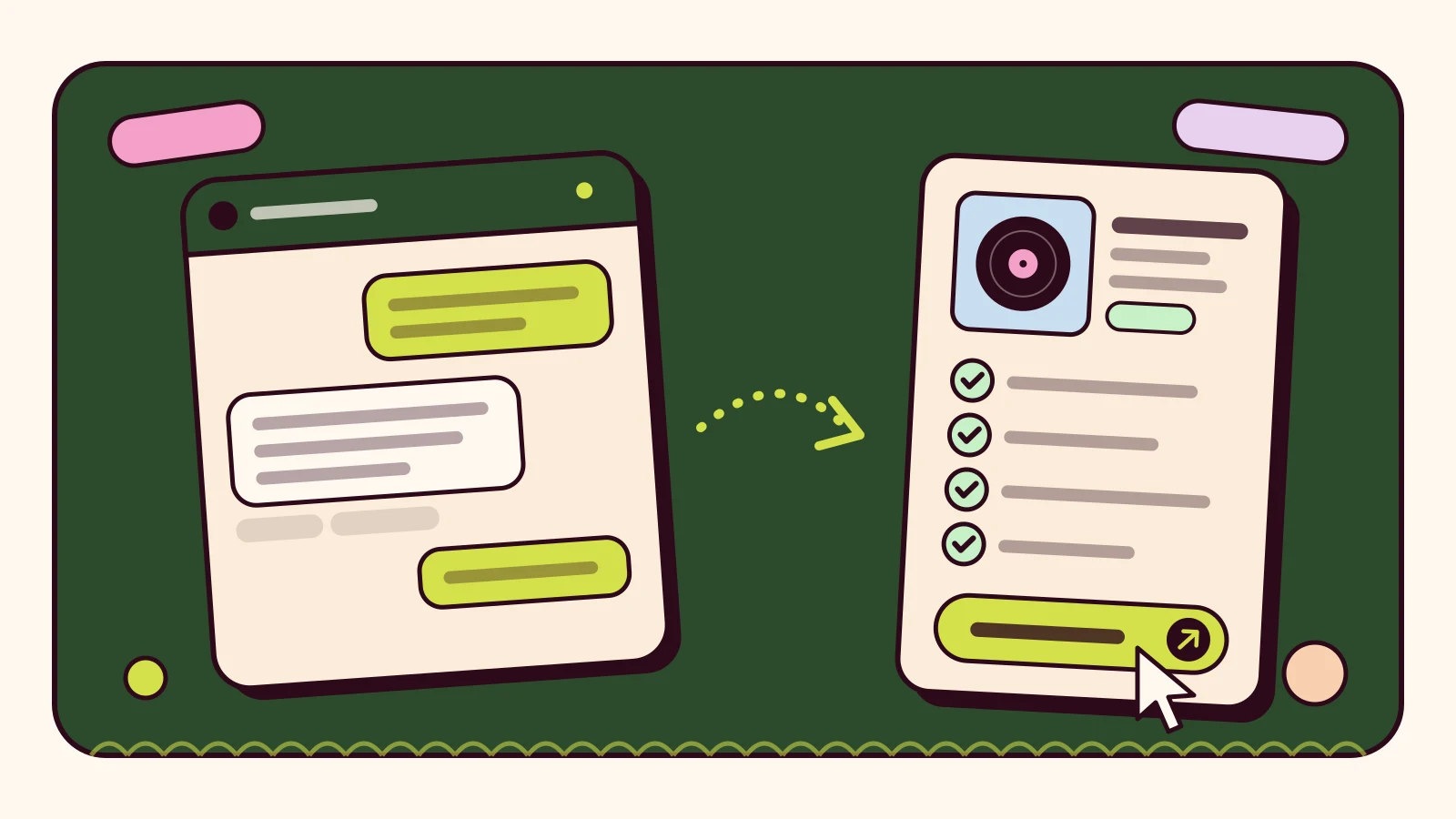
Illustration: WBBT Records.
Ask ChatGPT or Claude to put your song on Spotify and neither can do it on its own. Independent artists reach Spotify, Apple Music and other stores through a distributor, and a chat assistant is not one. What an assistant can do, when your distributor offers a connection for it, is take over a large part of the preparation.
WBBT Records connects ChatGPT, Claude and other assistants that support remote MCP to your own WBBT account. This guide explains what that connection does, how to prepare a release with it and which steps stay with you.
What MCP changes
MCP (Model Context Protocol) is an open standard that lets an AI assistant use tools from another service. Without a connection, an assistant can only give advice: it can suggest a version name or explain artwork rules, but it cannot see your account or save anything. Connected to your distributor, it can call a defined set of tools inside your account, limited to the permissions you approve.
The tools decide what is possible. WBBT MCP tools create, edit and check release drafts, upload files and read your own catalogue, earnings, streams and support requests. None of them submits a release.
Prepare a release draft by chat
- Connect WBBT. In WBBT, open Account → MCP and copy the connection URL, https://app.wbbt.net/mcp. Add it to your assistant as a custom MCP connection: in ChatGPT, turn on developer mode first; in Claude, open Customize → Connectors and choose Add custom connector. Sign in on the WBBT screen and approve the permissions you want. There is nothing to install.
- Describe the release. Give the title, release type, genre and artist, and ask the assistant to request anything missing. It creates a draft with the same fields as the Release Wizard and saves it, so an unfinished draft can wait until you have the files.
- Add credits and files. Every track needs a Primary Artist, Producer, Composer and Performer. Then add the cover and audio. In ChatGPT, a WBBT file picker opens in the conversation; other assistants send files through WBBT’s authenticated upload.
- Run the checks. Ask for the Release Wizard check. It reports missing fields, artist names that differ from your saved My Artists and a release date earlier than your account allows. Ready means the metadata and files are complete. Nothing has been sent.
- Review it and send it yourself. In WBBT, open Releases → Saved Drafts and press Distribute. The final review opens, you tick the five legal confirmations and press Distribute. The release then goes through WBBT’s normal review.
A good first message is the one the Account → MCP page suggests: “Show my releases and help me prepare a new release draft. Ask me for any missing required information.”
What the assistant cannot do
- It cannot submit a release, tick a legal confirmation or change a release’s status.
- It cannot reach another user’s account or any admin tools.
- It never receives your password, payment identifiers or payout account details.
- It does not compose, produce or generate music. It works with the details you give it and the files you upload.
When the assistant edits a draft, any earlier confirmations are cleared, so what you approve is always the latest version. The limits are deliberate: the person who controls the rights to a recording is the one who confirms them.
Choose permissions and revoke access
You approve permissions when you connect. There are five: profile and membership, releases and artists, drafts and file uploads, support requests, and earnings and stream totals. Writing drafts is a separate permission, so a read-only connection cannot change anything.
Account → MCP lists every assistant you have authorised. Revoke a connection there and access stops. Assistants without OAuth support can use a manual key from the same page; a key lasts 7, 30 or 90 days, is shown only once and can be revoked at any time.
Admin help is not AI-generated music
Using an assistant to fill in release details is admin help. It does not change who made the recording or which rights you hold. If the music itself was made with AI tools, a separate set of questions applies about disclosure, licences and platform policies. Read our guide to AI music policies and the WBBT FAQ before you release it.
Personal use, not a client service
WBBT MCP is for personal use within your own WBBT account. It must not be used to sell distribution services, rent out access or serve third parties. A business that builds software for other artists should look at the Distributor API or White-Label instead. MCP does not need an API key or a Distributor API subscription, and your plan’s usual release rules apply when you submit.
Check before you press Distribute
- The title, version and artist names match your artwork and your saved My Artists.
- Every track lists a Primary Artist, Producer, Composer and Performer.
- The cover is square and the audio is the final master, not an earlier bounce with a similar name.
- The release date and stores are the ones you planned.
- You hold the rights you are about to confirm in the five legal confirmations.
Further reading
See the setup steps for each assistant and the full permission list on the WBBT MCP page. New to WBBT? Compare plans first. For specialist formats, read the electronic music release checklist. The protocol is documented at modelcontextprotocol.io. ChatGPT and Claude change their menus from time to time; if a setting has moved, check your assistant’s own help pages.
AI Release Drafts (MCP) →
Prepare your music release with ChatGPT or Claude.